PHP
NEW
[STEP 001]
Install PHP & Laravel in one command.
Select your OS
        /bin/bash -c "$(curl
            -fsSL https://php.new/install/mac)"
Set-ExecutionPolicy Bypass -Scope Process -Force; [System.Net.ServicePointManager]::SecurityProtocol = [System.Net.ServicePointManager]::SecurityProtocol -bor 3072; iex ((New-Object System.Net.WebClient).DownloadString('https://php.new/install/windows'))
        /bin/bash -c "$(curl
            -fsSL https://php.new/install/linux)"
[STEP 002]
Create your first Laravel app
laravel new
[STEP 003]
Boost your code with our AI Assistant
Confirm your boost install
Optional
- Open the Command Palette Cmd+Shift+P or Ctrl+Shift+P
- Press enter on »/open MCP Settings«
- Turn the toggle on for laravel-boost
- Press shift twice to open the command palette
- Search »MCP Settings« and press enter
- Check the box next to laravel-boost
- Click »Apply« at the bottom right
- If you see a green checkmark, you're ready to go!
- Open the Command Palette Cmd+Shift+P or Ctrl+Shift+P
- Press enter on »MCP: List Servers«
- Arrow to laravel-boost and press enter
- Choose »Start server« and you're good to go!
- Claude is enabled automatically, but if you find it isn't
- Open a shell in the project's directory
- Run
claude mcp add -s local -t stdio laravel-boost php artisan boost:mcp - Codex support is typically enabled automatically, but if you find it isn't
- Open a shell in the project's directory
- Run
codex mcp add -- php artisan boost:mcp - Gemini support is typically enabled automatically, but if you find it isn't
- Open a shell in the project's directory
- Run
gemini mcp add -s project -t stdio laravel-boost php artisan boost:mcp
[STEP 004]
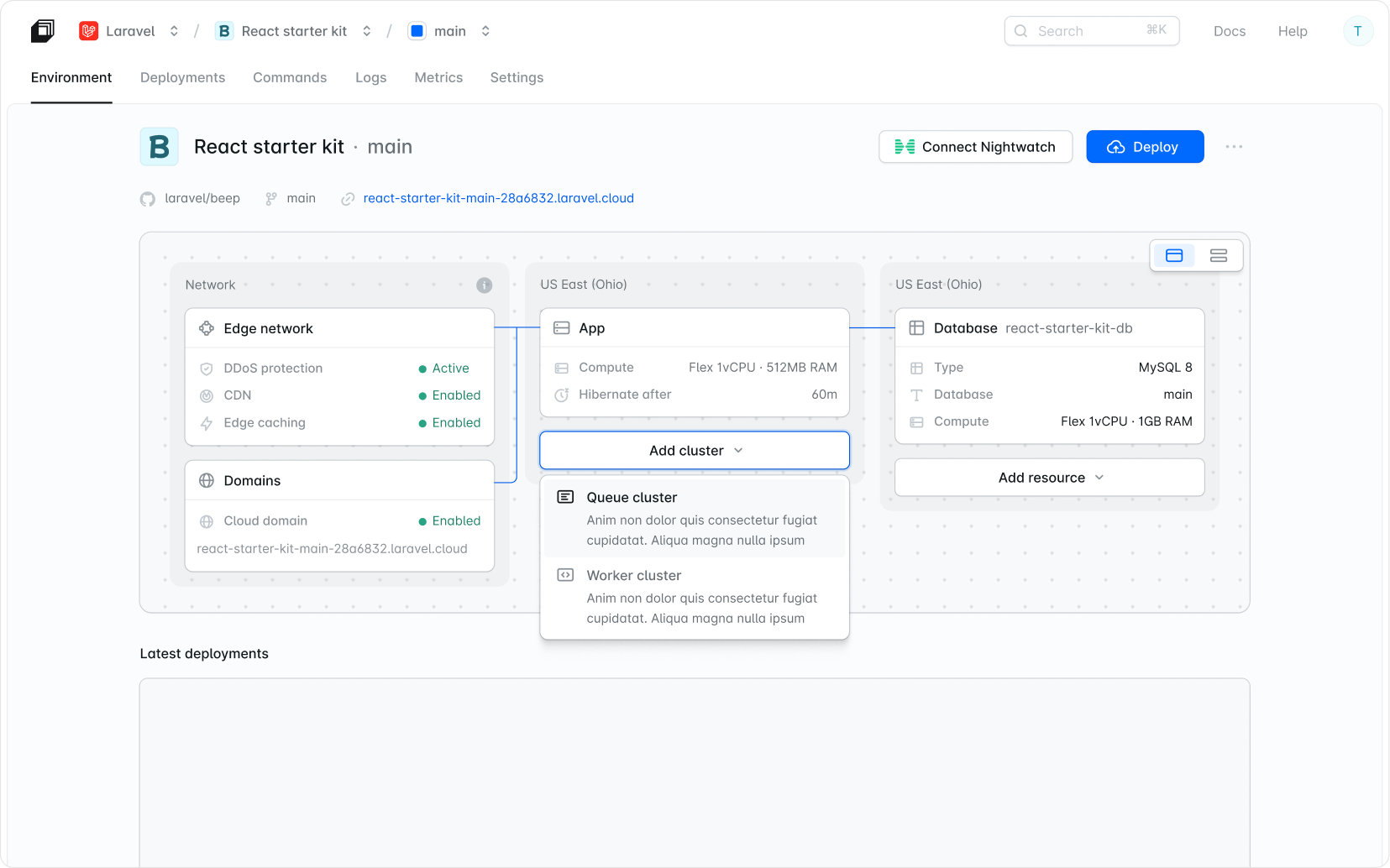
Ship & deploy faster than ever.
001
Copy the Laravel command
Copy the install command
laravel new
        /bin/bash -c "$(curl
            -fsSL https://php.new/install/mac)"
Set-ExecutionPolicy Bypass -Scope Process -Force; [System.Net.ServicePointManager]::SecurityProtocol = [System.Net.ServicePointManager]::SecurityProtocol -bor 3072; iex ((New-Object System.Net.WebClient).DownloadString('https://php.new/install/windows'))
        /bin/bash -c "$(curl
            -fsSL https://php.new/install/linux)"
002
Open your
Press ⌘ + SPACE and search for Terminal. Press ⊞ + SPACE , search for PowerShell and open it. Search for Terminal in your launcher.
003
Paste the command into
Paste the command into and press ENTER RETURN to run it.